
Remove Watermark from Photo
Drop your photo here, or click to choose a file
JPG / PNG / WebP · 20MB max · 1 free image a day, no sign-up
Uploaded images are deleted after 24 hours. We never use them to train models.
What this tool does
Updated November 2026 — this guide covers removing a watermark from a photo online, without installing any app.
PhotoUnwatermark removes watermarks from photos online in seconds, keeping the original resolution.
PhotoUnwatermark is a browser-based tool that removes watermarks from photos. It supports JPG, PNG and WebP files up to 20MB, and the free plan gives 1 image a day without an account, 3 a day after free sign-up.
It runs in the browser on any device — phone, tablet or desktop — with nothing to install and no account required to try it.


How it works
Processing one image usually takes under 30 seconds. The output keeps the original resolution and does not add any watermark of our own.
Step 1 — Upload your photo
Drag it in or pick a file. JPG, PNG and WebP up to 20MB; one image at a time on the free plan.
Step 2 — Let the tool process it
The watermark is detected and repaired automatically. Larger photos can take a little longer than small ones.
Step 3 — Download at full resolution
Compare before and after with the slider, then download the result at the original resolution.
How to remove a watermark from a photo
The web version follows the same three steps as the tool above — there is no separate workflow to learn.
- Upload the photo (JPG, PNG or WebP, up to 20MB; other formats are not supported).
- Wait while the watermark is detected and removed — usually under 30 seconds; very large photos take longer.
- Download the full-resolution result — it is deleted from our storage after 24 hours, so save your copy.
Watermarks on AI-generated images
Watermarks added by AI image tools such as Gemini or ChatGPT usually appear as a small logo in a corner or a faint sparkle over the image; the same model handles them the same way.
For these marks PhotoUnwatermark acts as an ai watermark remover: the sparkle-style overlay and the corner logo are detected and repaired in the same pass, so one upload handles both.
What it handles well, and what it does not
The tool automatically detects overlay-style marks (such as the Gemini sparkle), tiled stock watermarks, and corner logos on contrasting backgrounds.
Detection on low-contrast backgrounds (for example, white text on a bright sky) is less reliable, and very large covered regions are rebuilt with generated content.
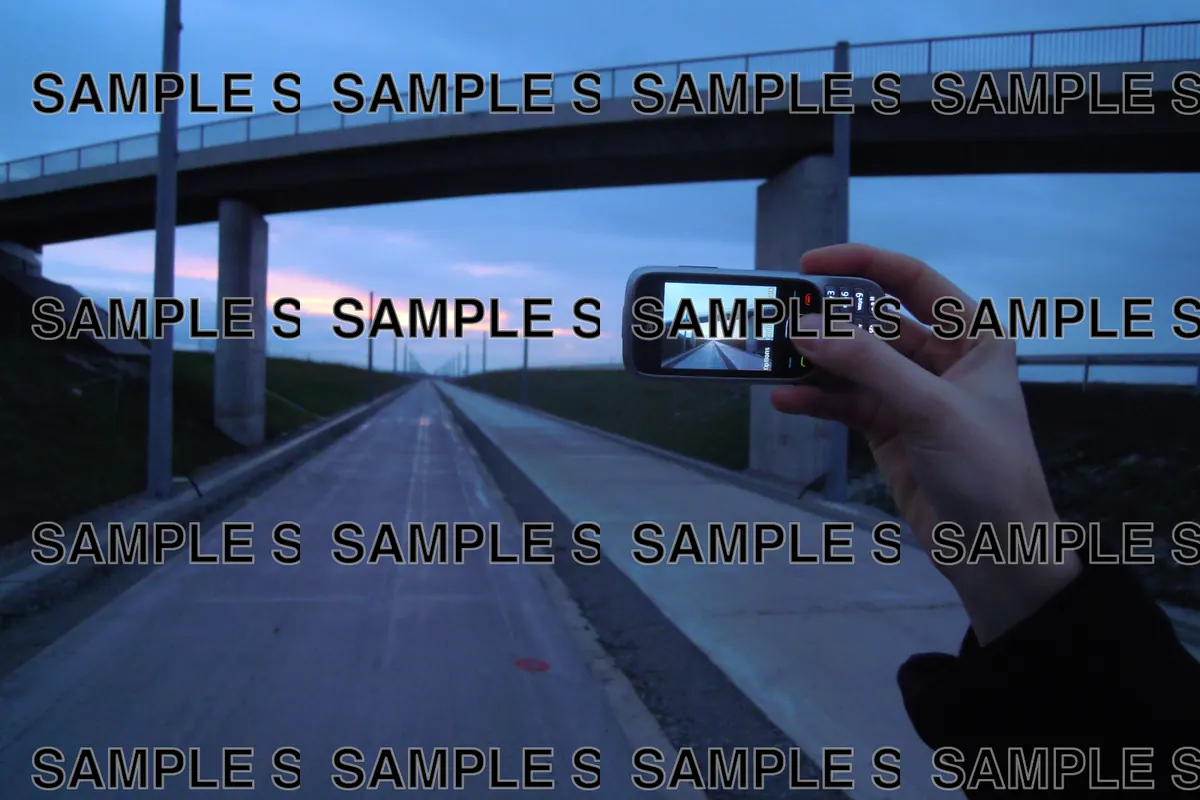

The tool works best on corner logos, small stamps and semi-transparent overlays. When a watermark covers most of the image or overlaps fine detail such as faces and text, the result is noticeably weaker.
Privacy: your photos are deleted after 24 hours
Uploaded images are deleted after 24 hours. We never use them to train models.
Results are delivered through short-lived signed links, not public URLs. Task records (time and status) are kept so signed-in users can see recent history; the images themselves are gone after a day. See the privacy policy for the full list.
Frequently asked questions
Is PhotoUnwatermark free to use?
Yes — PhotoUnwatermark is free to try without an account. Updated November 2026 — this guide covers removing a watermark from a photo online, without installing any app. You get 1 image a day as a guest, and 3 images a day after a free sign-up. The free allowance resets every day and does not accumulate. If you need more, paid plans start at $9.99 a month.
How long does it take to remove a watermark?
Processing one image usually takes under 30 seconds, and larger photos can take somewhat longer. The tool works on each upload in the background while the page shows a progress bar. If a job does not finish within 90 seconds, it is marked as timed out and your image quota is refunded automatically, so a slow result never costs you anything.
Will removing a watermark reduce the photo quality?
No — the output keeps the original resolution of your photo. The tool repairs only the watermarked areas and leaves the rest of the image untouched, and it does not add any watermark of its own. Effect depends on where the watermark sits and how transparent it is; sharp corner logos and semi-transparent overlays clean up best.
What file formats can I upload, and how large can files be?
PhotoUnwatermark accepts JPG, PNG and WebP files up to 20MB. Videos, PDFs and other document formats are not supported. Each upload is one image at a time on the free plan, and the download you get is the full-resolution result, not a downscaled preview.
Is it safe to upload my photos here?
Uploaded images are deleted after 24 hours. We never use them to train models. Results are served through short-lived signed links instead of public pages, task records stay private to you, and no account is required to try the tool. The privacy policy page lists exactly what is stored and for how long.
Pricing starts at $9.99 a month
Paid plans start at $9.99 per month for 100 credits, and a one-time pack of 200 credits costs $24.99 and does not renew automatically.
Need more than three images a day? The free watermark remover page shows exactly what you get without paying.
If you process photos regularly, the pricing plans start at $9.99 a month.